









In 2026, SOLIDWORKS Artificial Intelligence is no longer a futuristic vision: it is your new strategic collaborator.
At Solidxperts, we have filtered out the noise to focus on tangible results. We believe AI-powered design tools, such as
the design companions found in SOLIDWORKS Cloud, are built to enhance your creative process, not replace it.
Our mission is to provide you with a smarter workflow that handles the technical friction, allowing you to focus on
high-value innovation.
Why Now?
AI isn’t just a productivity tool; it’s a business asset.
In a rapidly transforming manufacturing landscape, staying competitive means embracing the next generation of design today.
Failing to take this turn now means accumulating a technical debt that becomes harder to bridge every year.
AI accelerates what holds you back
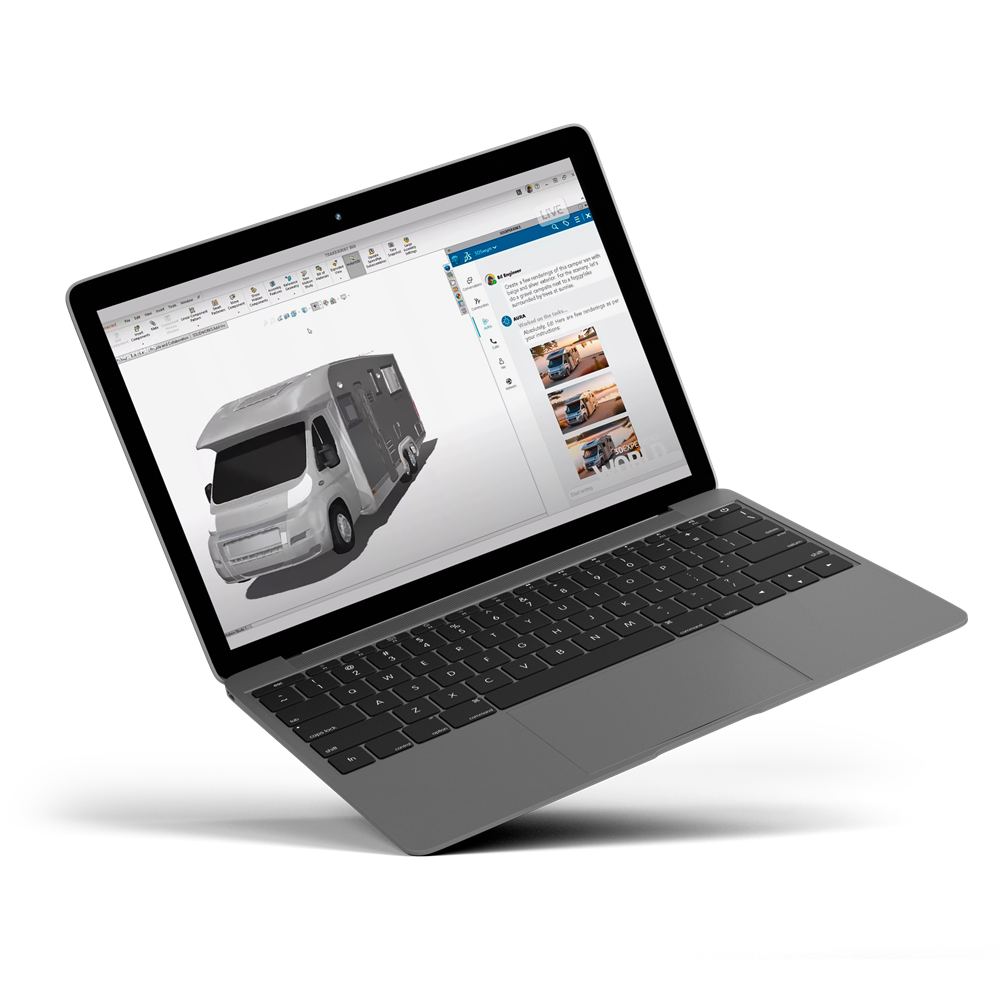
The AURA assistant automates low value-added tasks: layout, selections, component suggestions... You spend more time designing where your expertise truly matters.
No more second-guessing.SOLIDWORKS anticipates for you
AI assists you in real-time with your design choices. It guides you with intelligent recommendations, alerts on potential errors, and a deep understanding of your intentions.
Propel your productivity
Adopt it now; gain value, speed, and competitiveness. The leaders of tomorrow will be those who took the lead first. More productivity, and a company that is worth more because it is ready for what's next.
What Can AI Do in SOLIDWORKS Today?
Before we talk about AI strategy, here’s what AI is already doing inside
SOLIDWORKS and the 3DEXPERIENCE platform:
Predict commands based on user behavior
Automate repetitive sketching and dimensioning
Optimize topology automatically
Assist with simulation setup and parameter selection
Improve part classification and data organization
Convert images into parametric sketches (Picture to Sketch)
Repair and clean imported geometry
These capabilities are not futuristic concepts.
They are practical tools designed to remove friction from your engineering workflow.
Meet Your 3 SOLIDWORKS AI Companions
AURA
The Project Orchestrator
It understands the full context of your project, managing requirements and design changes seamlessly. Whether you need
to generate a change request or evaluate complex design scenarios, Aura connects the dots across your entire workflow
to keep you organized and on schedule.
Inspired by the technical mastery of Da Vinci, Leo brings engineering reasoning to life. Leo focuses on the “how” of your
design, analyzing mechanics, movement, and simulation. When you face a tough engineering challenge, Leo provides deep
technical insights to ensure your assembly is optimized for the real world.
Named after Marie Curie, this agent applies rigorous scientific and regulatory knowledge to your process. Marie ensures
your designs meet industry standards and material requirements. From recommending the ideal alloy to validating compliance,
Marie provides the data-driven confidence every engineer needs.
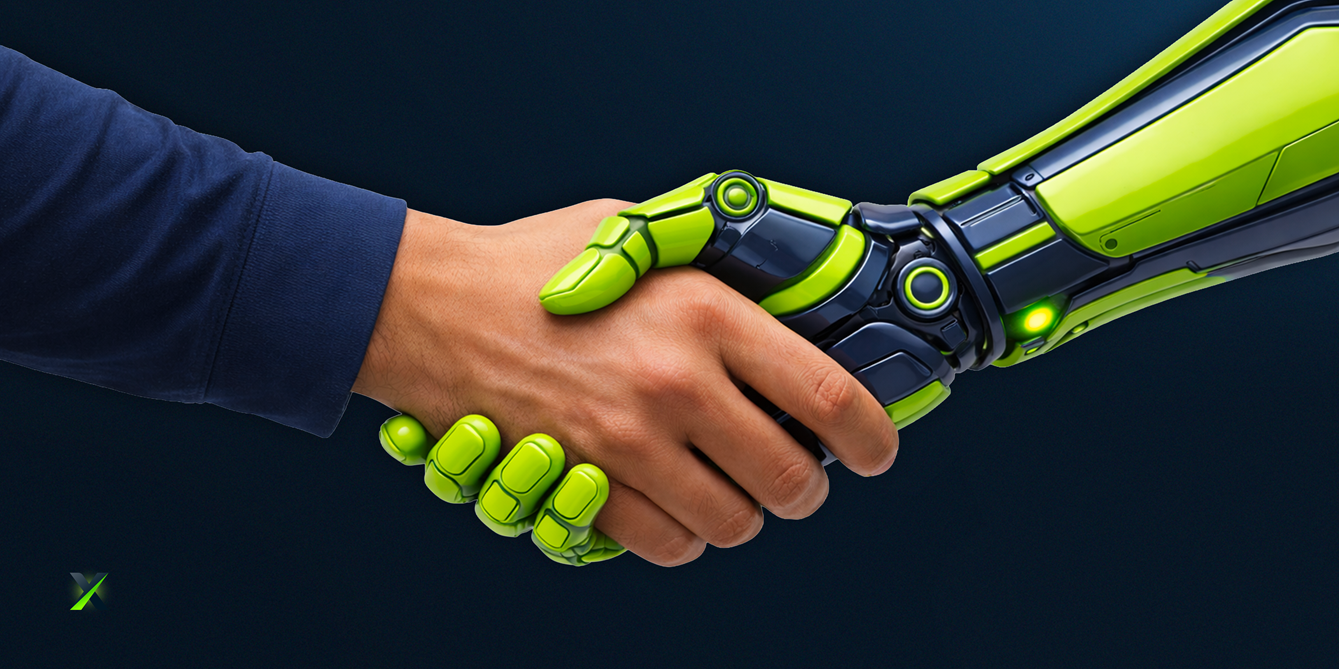
The biggest myth about AI is that it replaces the human element.
The reality is exactly the opposite: it removes technical friction.
Whether converting a simple photo into a functional sketch (Picture to Sketch)
or automatically repairing complex meshes, AI is becoming the most powerful tool in your kit.
Don’t let the technology curve pass you by.
Start exploring how AI for CAD design can redefine your productivity today.
SOLIDWORKS AI Resources
AI in SOLIDWORKS: Transforming the Way you Design
Discover how artificial intelligence integrated into SOLIDWORKS is revolutionizing CAD design with tools that automate, optimize, and enhance your workflow
AI in SOLIDWORKS is here, don’t navigate it alone! We’re here to guide you.
Connect with our experts and start integrating AI into your design workflow with confidence.
Option 1: For licenses <1 year expired( Pay 2 Years Forward Upfront )
Get back on track with SOLIDWORKS CAD w/Cloud Services. By paying upfront for the next two years, you not only regain access to the powerful features of SOLIDWORKS but also enjoy cloud services to boost collaboration and efficiency.
Promotion Perks:
No need to worry about backdating and penalties. We’ll waive them for you!
Regain access to your design projects and continue where you left off, without any interruptions.
Option 2: For licenses >1 year expired ( Pay 3 Years Forward Upfront )
If your license has been expired for over a year, we understand the urgency to get back in the game. With this option, you can secure SOLIDWORKS CAD ALC w/Cloud Services.
Promotion Perks:
Our team is here to support your reintegration process, and we’ll waive backdating and penalties for a smooth transition.
Take advantage of the comprehensive SOLIDWORKS suite and unleash your creativity with the latest tools and features.
Option 1: Upgrade to 3DEXPERIENCE SOLIDWORKS
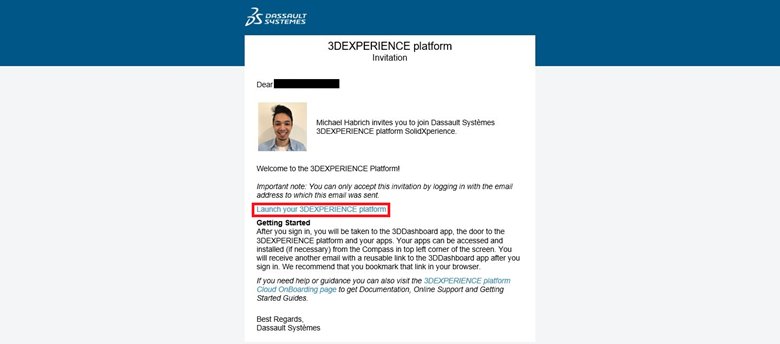
Seamlessly transition from SOLIDWORKS Desktop to 3DEXPERIENCE SOLIDWORKS, and experience a new dimension of design and collaboration. With secure cloud data management, increased collaboration capabilities, and reduced IT administration, 3DEXPERIENCE SOLIDWORKS empowers your team to work smarter and faster.
Option 2: Upgrade to SOLIDWORKS TERM w/Cloud Services
Opt for SOLIDWORKS TERM with Cloud Services, a flexible and convenient option that combines the power of SOLIDWORKS with the benefits of cloud-based solutions. Say goodbye to traditional licensing hassles and welcome easy deployment and automatic updates for a seamless design experience.
Promotion Perks:
This promotion covers both Standalone and Network licenses (SNL), making it suitable for businesses of all sizes.
Take advantage of the promotion price and add as many new licenses (3DEXPERIENCE SOLIDWORKS or SOLIDWORKS TERM w/Cloud Services) as you need on the same Purchase Order, with no limit on extra seats.
Enjoy the promotion discount for 3 years, whether purchased annually or upfront.
Even after the promotion period, you’ll continue to benefit with a 25% discount on successive years.