From Features to Assistants: A Shift in How You Work
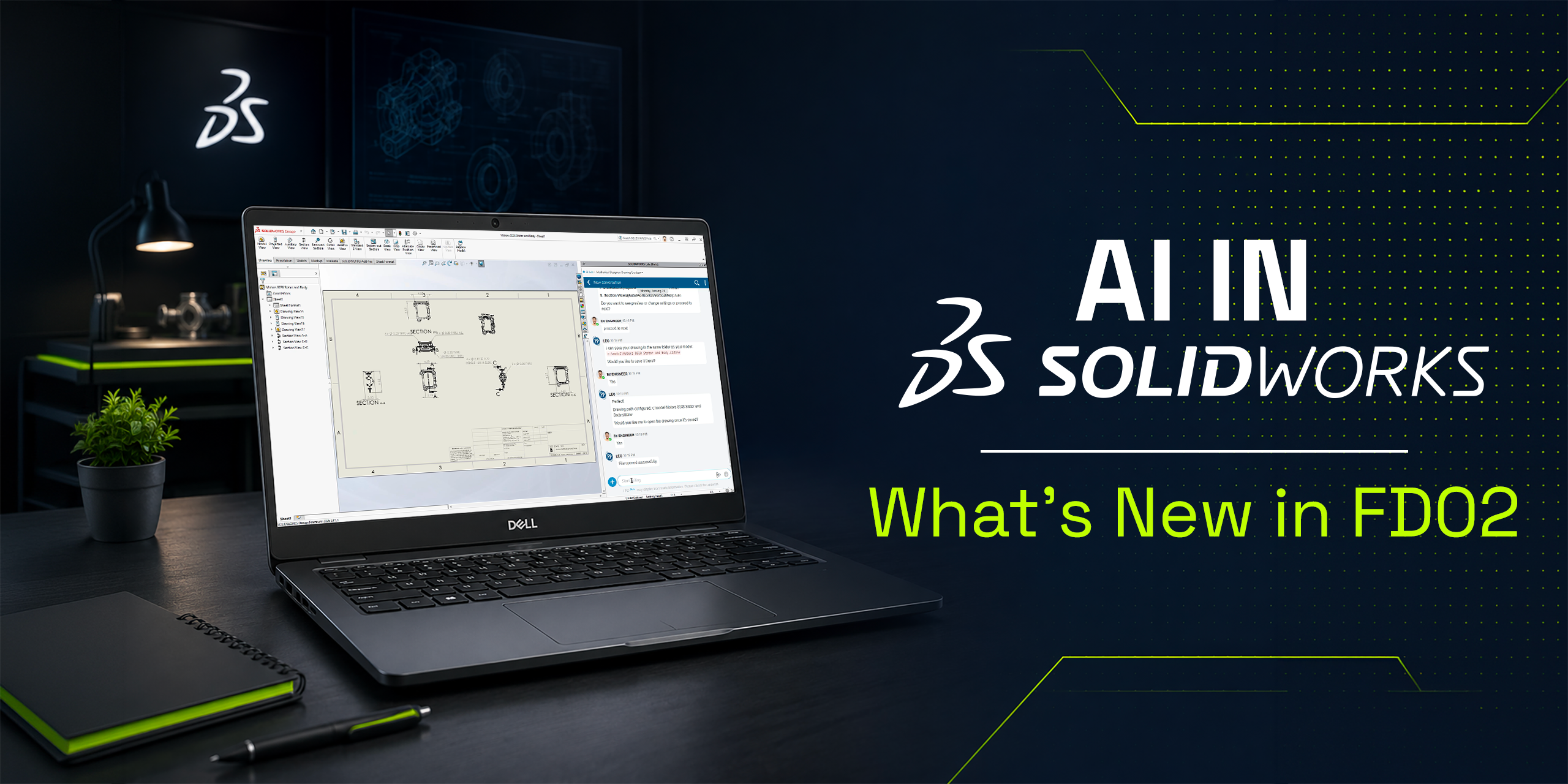
With the SOLIDWORKS 2026 FD02 update, AI is starting to feel less like a set of isolated tools, and more like an integrated part of your workflow.
This release introduces two major concepts:
-
AI Virtual Companions (prompt-driven interaction)
-
Contextual Performance Assistants (proactive recommendations)
Together, they represent a shift toward software that doesn’t just respond, but actively supports your decisions in real time.
Let’s break down what’s new and what it actually means for your day-to-day work.
A New Direction: AI That “Thinks Alongside You”
Up until now, most AI features in CAD have been reactive:
-
You click a command
-
The software executes
FD02 starts moving beyond that.
Instead, SOLIDWORKS is introducing AI that:
-
Understands context
-
Responds to natural language
-
Flags issues before they become problems
👉 The goal isn’t automation for its own sake
👉 It’s reducing friction in engineering workflows
AI Virtual Companion: Working with Prompts
One of the biggest changes in FD02 is the expansion of the AI Virtual Companion.
This is a text-based interface inside SOLIDWORKS where you can:
-
Ask questions
-
Request actions
-
Get insights about your model
What’s New in FD02:
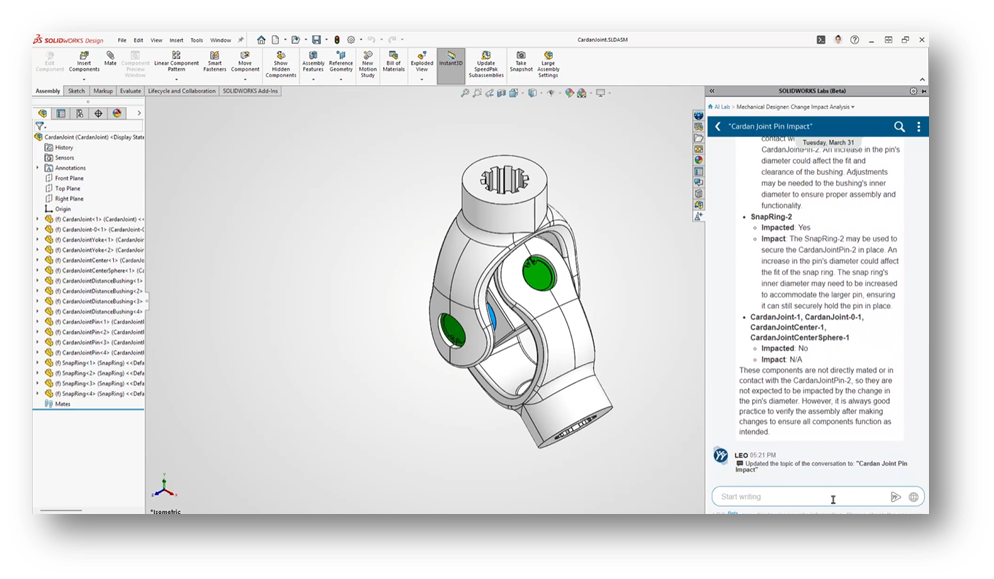
Design Change Impact
You can now ask:
“What happens if I change this feature?”
The AI will:
-
Scan the model
-
Identify affected parts and assemblies
-
Highlight downstream dependencies
-
Indicate who or what may be impacted
Why It Matters:
This allows you to evaluate risk before making changes, instead of reacting after something breaks.
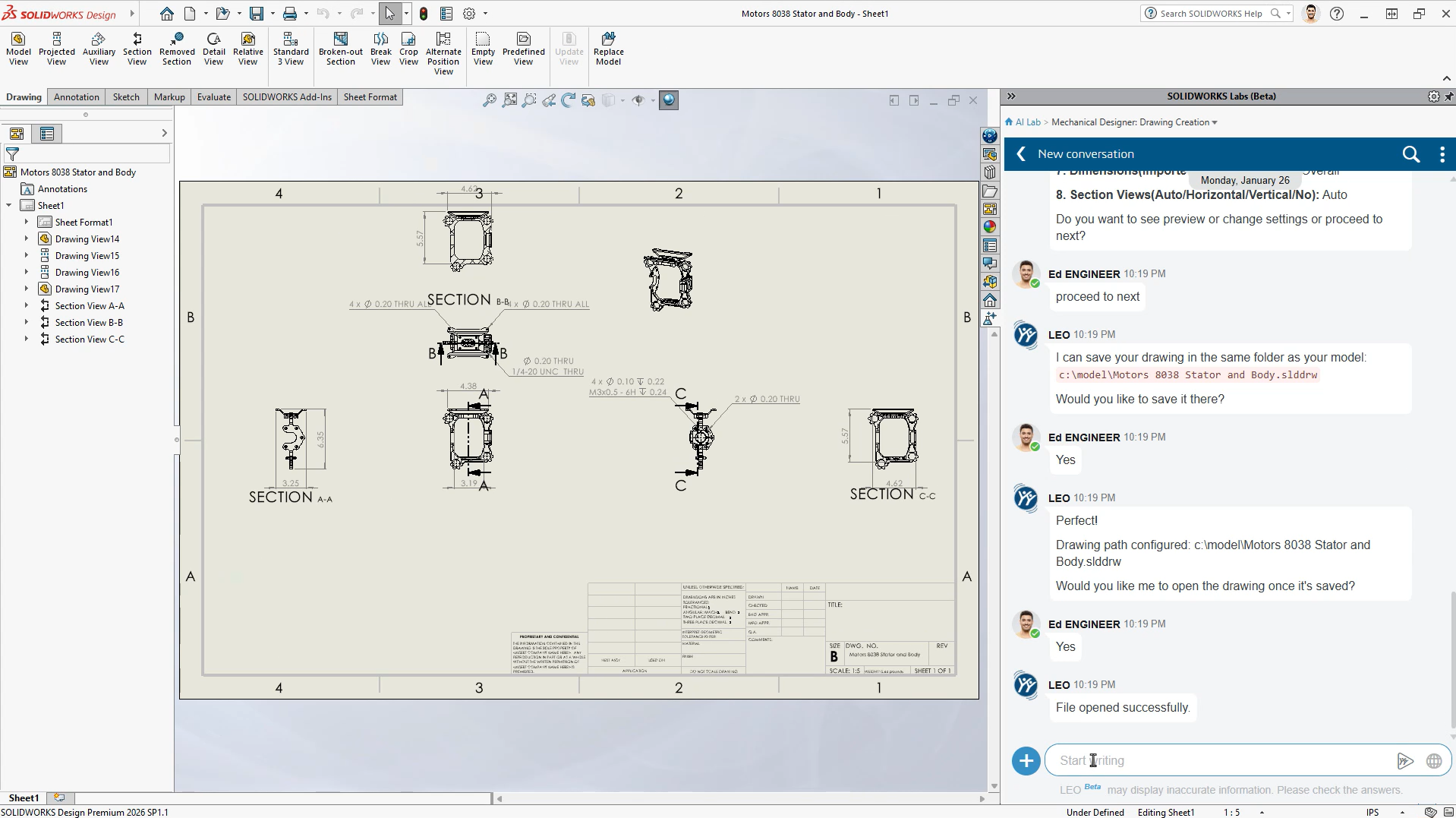
Auto-Generate Drawings (Beta) – Now Prompt-Driven
Auto-Generate Drawings gets a major upgrade.
What’s New:
-
Direct access to the Drawing Creation AI skill
-
Ability to customize outputs using natural language prompts
You can now:
-
Adjust drawing tables
-
Refine views
-
Modify layout behavior
Why It Matters:
You move from:
“Generate → manually fix everything”
to:
“Generate → guide the result intelligently”
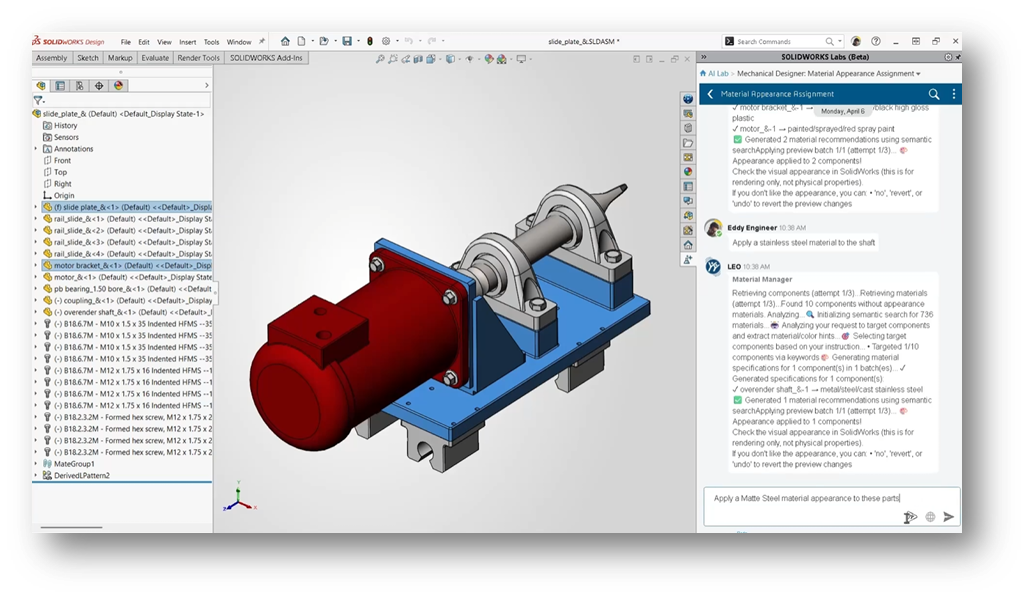
Material Appearance Manager (Beta)
What’s New:
Using simple prompts, you can:
Apply material appearances
Update visuals across assemblies
Maintain consistency automatically
Why It Matters:
It removes repetitive cleanup work and improves visual standardization, especially in larger assemblies.
Contextual Performance Assistants: Proactive Help
The second major innovation in FD02 is the introduction of always-on performance assistants.
Instead of waiting for you to troubleshoot, these tools:
👉 Monitor your work in real time
👉 Flag issues as they appear
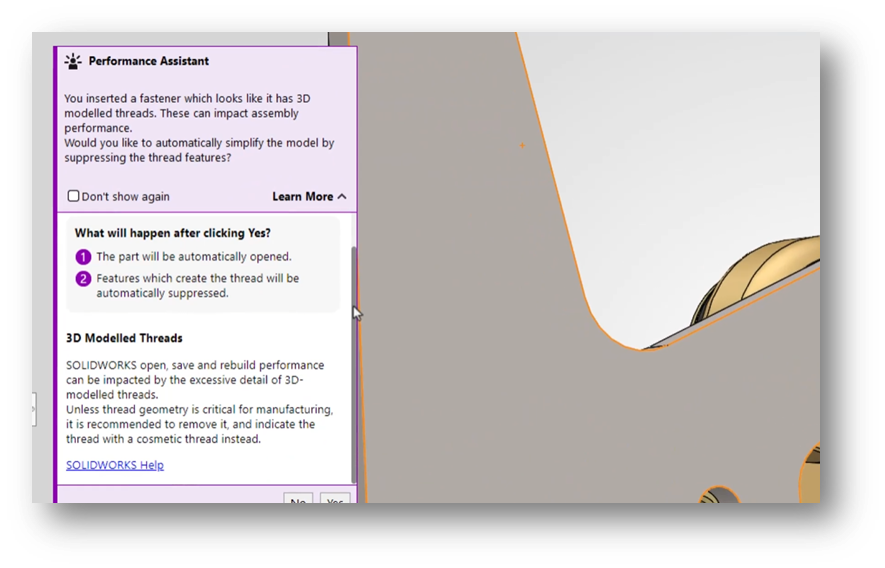
👉 Recommend fixes immediatelyYou’ll typically see these as contextual prompts or purple notifications in the interface.
Fastener Simplification
When inserting detailed fasteners (like threaded hardware):
The assistant will:
Detect performance-heavy geometry
Explain the impact
Offer to suppress threads automatically
Why It Matters:
This is a perfect example of AI preventing problems before they slow you down.
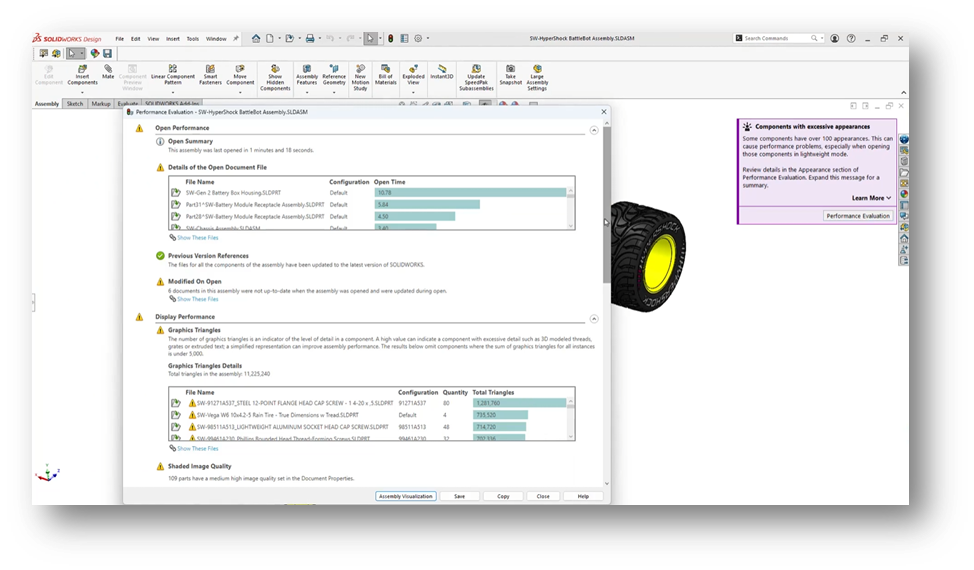
Assembly Performance Evaluator (Beta)
What’s New:
You can now:
Ask questions about assembly performance
Receive AI-generated diagnostics
Get targeted recommendations
Why It Matters:
Large assemblies are complex to troubleshoot manually.
This tool turns:
Trial-and-error debugging
into:
Guided, data-driven optimization
AI-Driven Modeling: Fixing a Longstanding Problem
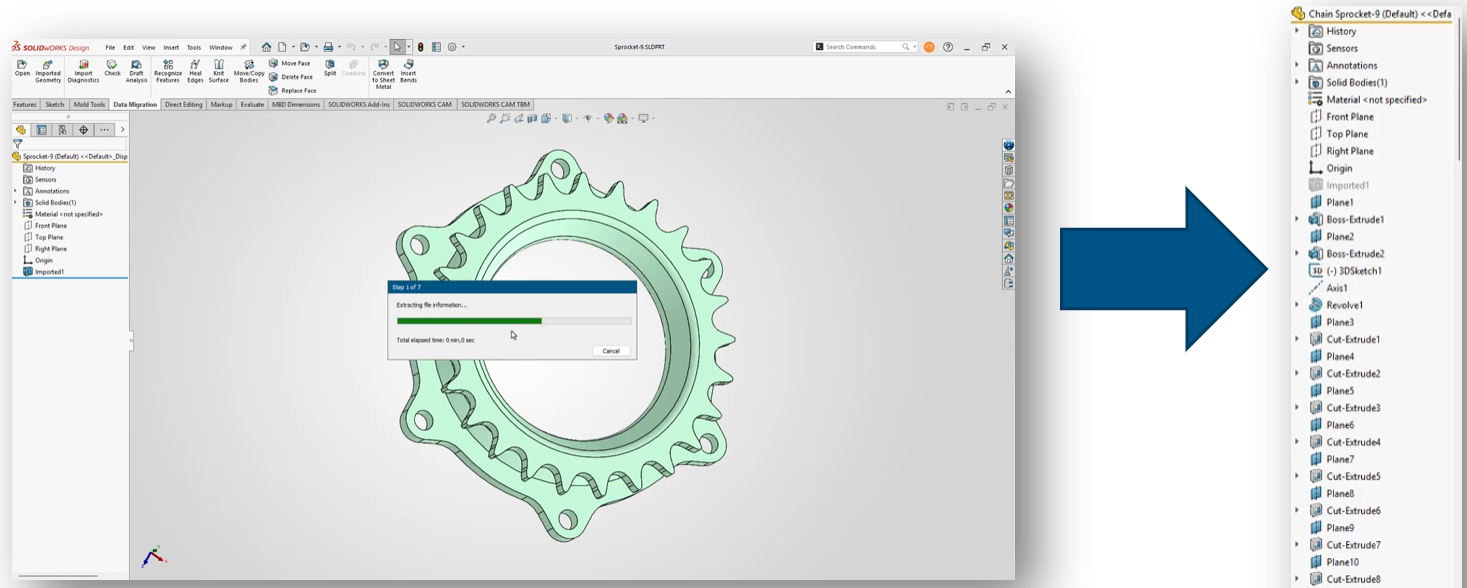
BREP to Parametric CAD (Beta)
This is one of the most impactful additions in FD02.
What’s New:
AI converts:
STEP
IGES
into:
Fully editable, feature-based SOLIDWORKS models
Why It Matters:
You can:
Modify imported geometry
Avoid rebuilding parts from scratch
Work faster with supplier or legacy data
This directly addresses one of the biggest inefficiencies in CAD workflows.
AI Beyond CAD: Data and Governance:
FD02 also expands AI into data management and PLM workflows.
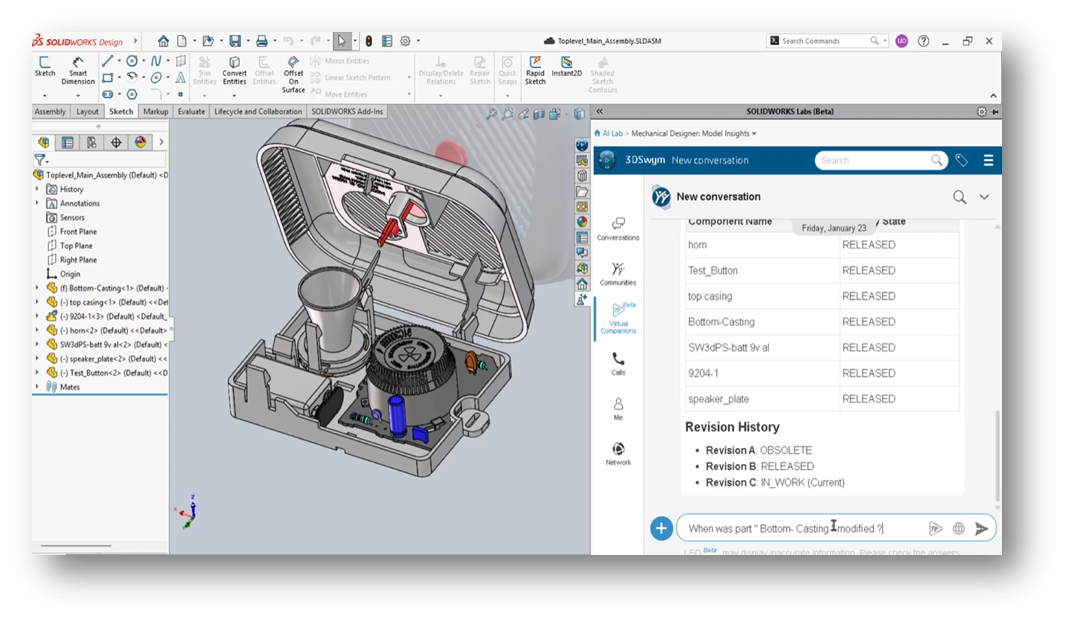
PLM Model Insights
You can query:
Revision history
Ownership
Maturity state
Related files
Using natural language.
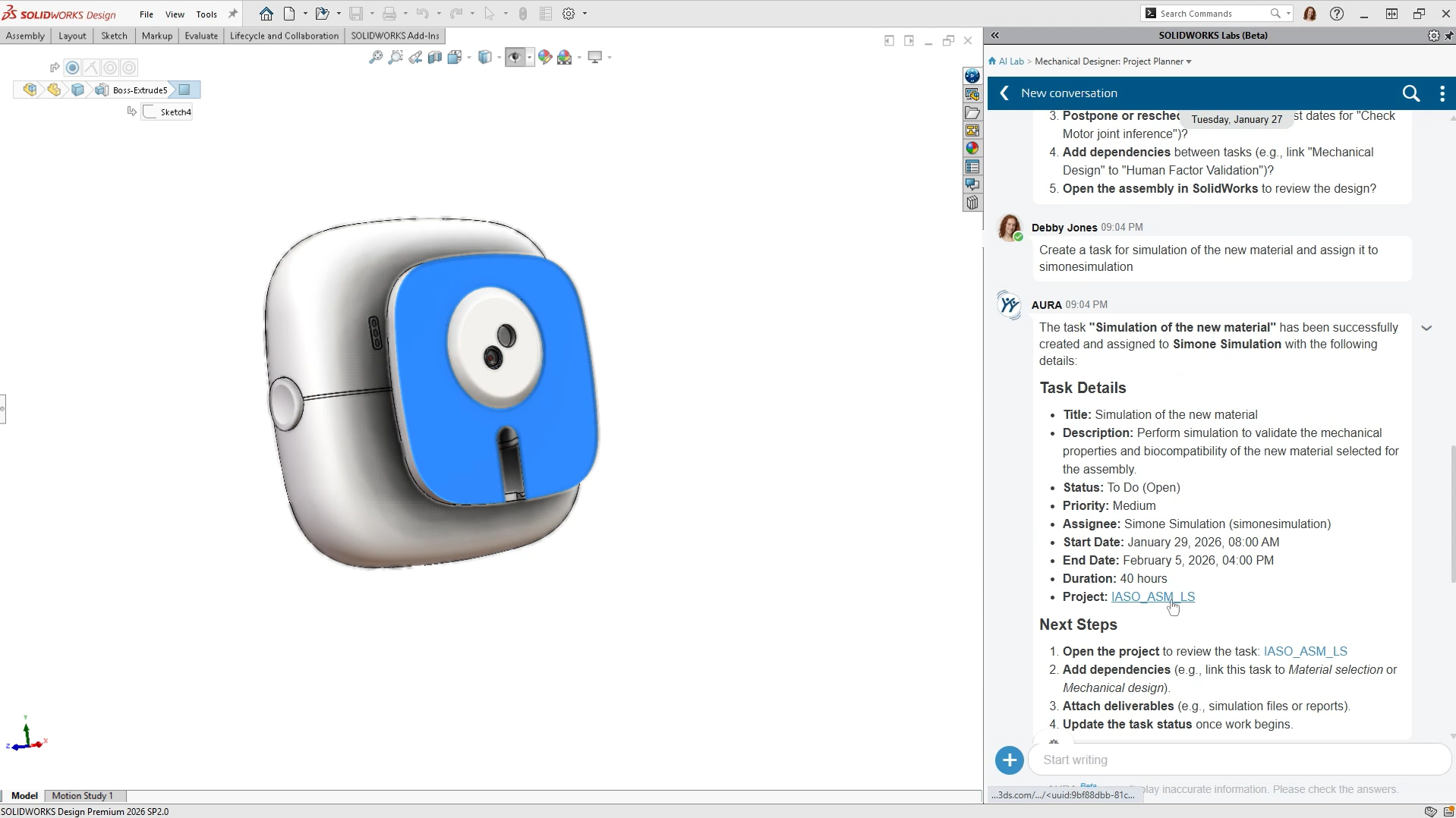
Governance Automation (Beta):
Includes:
Auto Task Creation
Create PLM Change Action
Why It Matters:
AI is now helping manage:
Workflows
Approvals
Change processes
Not just geometry.
A Clear Trend: From Tools to Teammates:
Looking at FD02 as a whole, the direction is clear.
AI in SOLIDWORKS is evolving toward:
Conversational interaction (ask instead of search)
Proactive assistance (alerts instead of errors)
Automation of repetitive tasks
Better visibility into design and data
This isn’t about replacing engineers.
It’s about:
👉 Reducing manual overhead
👉 Improving decision-making
👉 Keeping workflows movingWhat You Need to Access These Features:
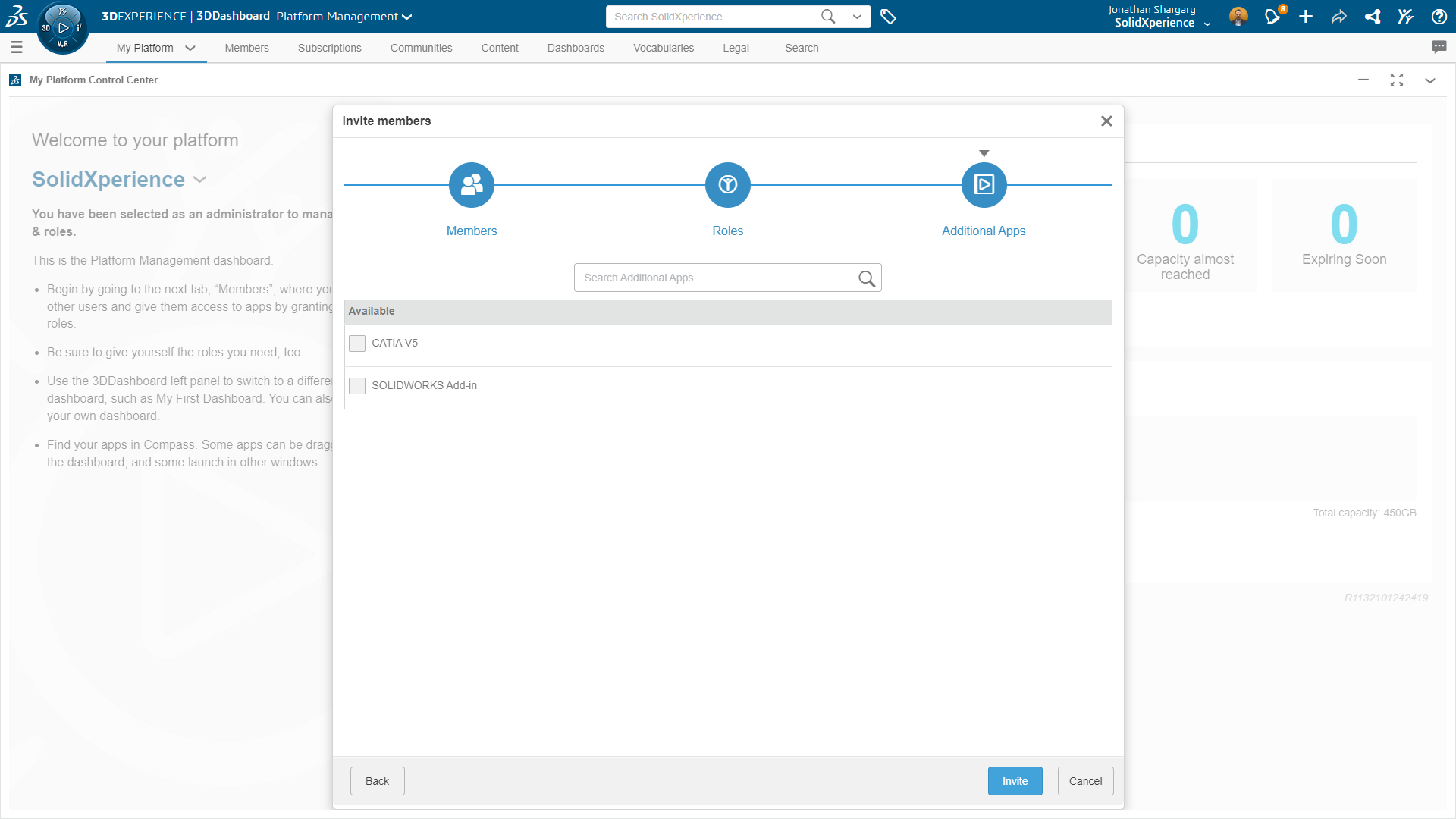
To use most AI functionality in FD02, you’ll need:
SOLIDWORKS 2026 (FD02 or newer)
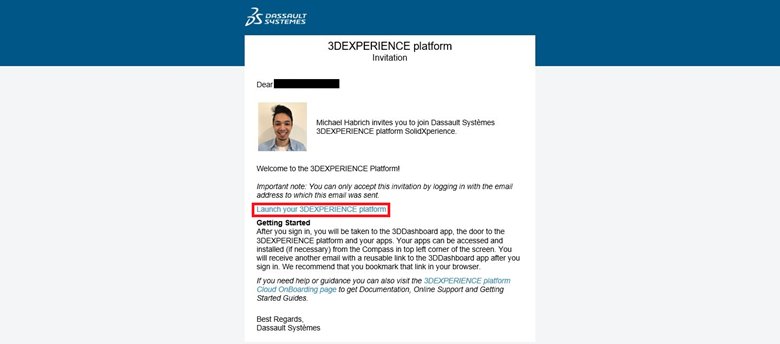
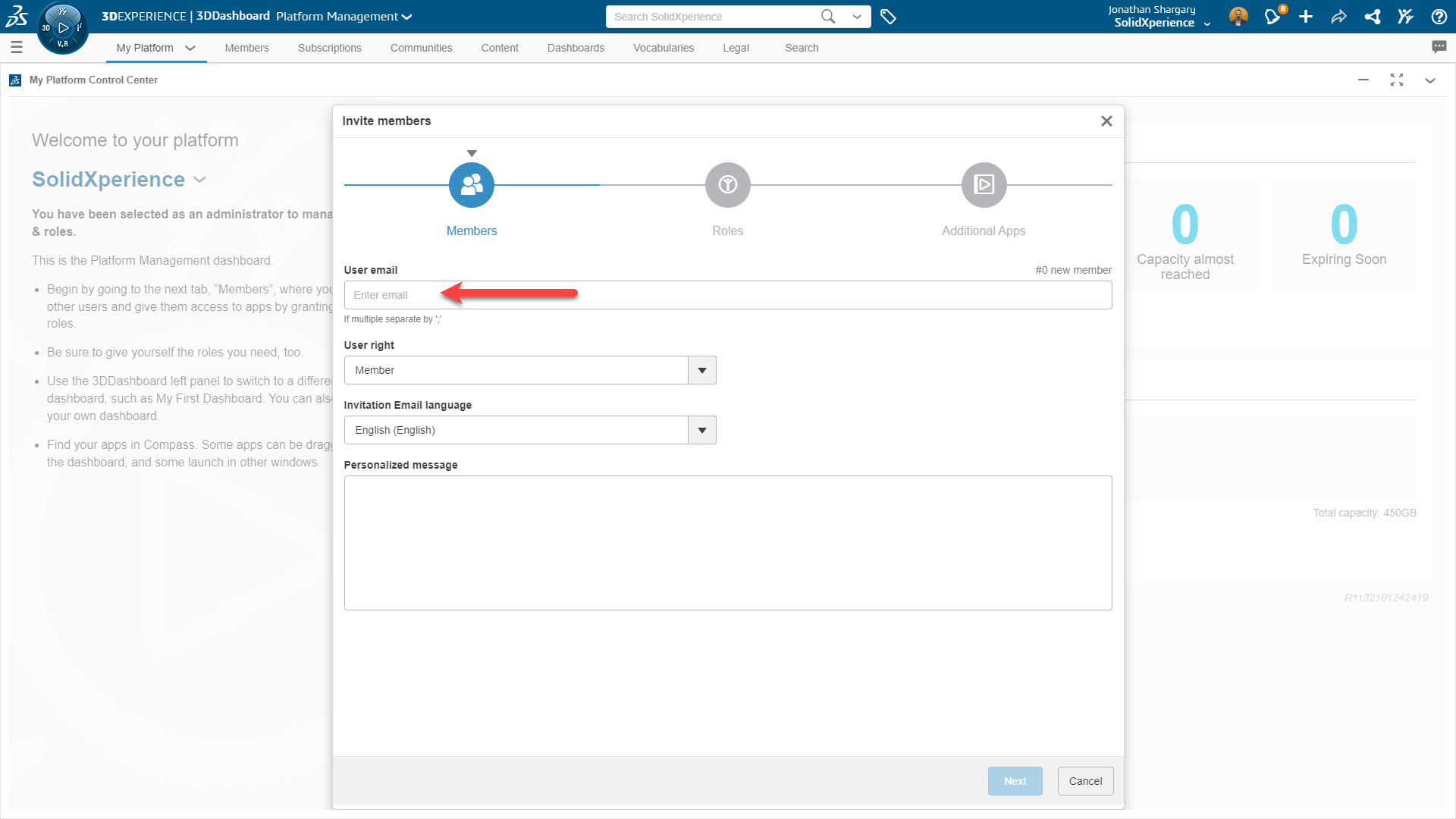
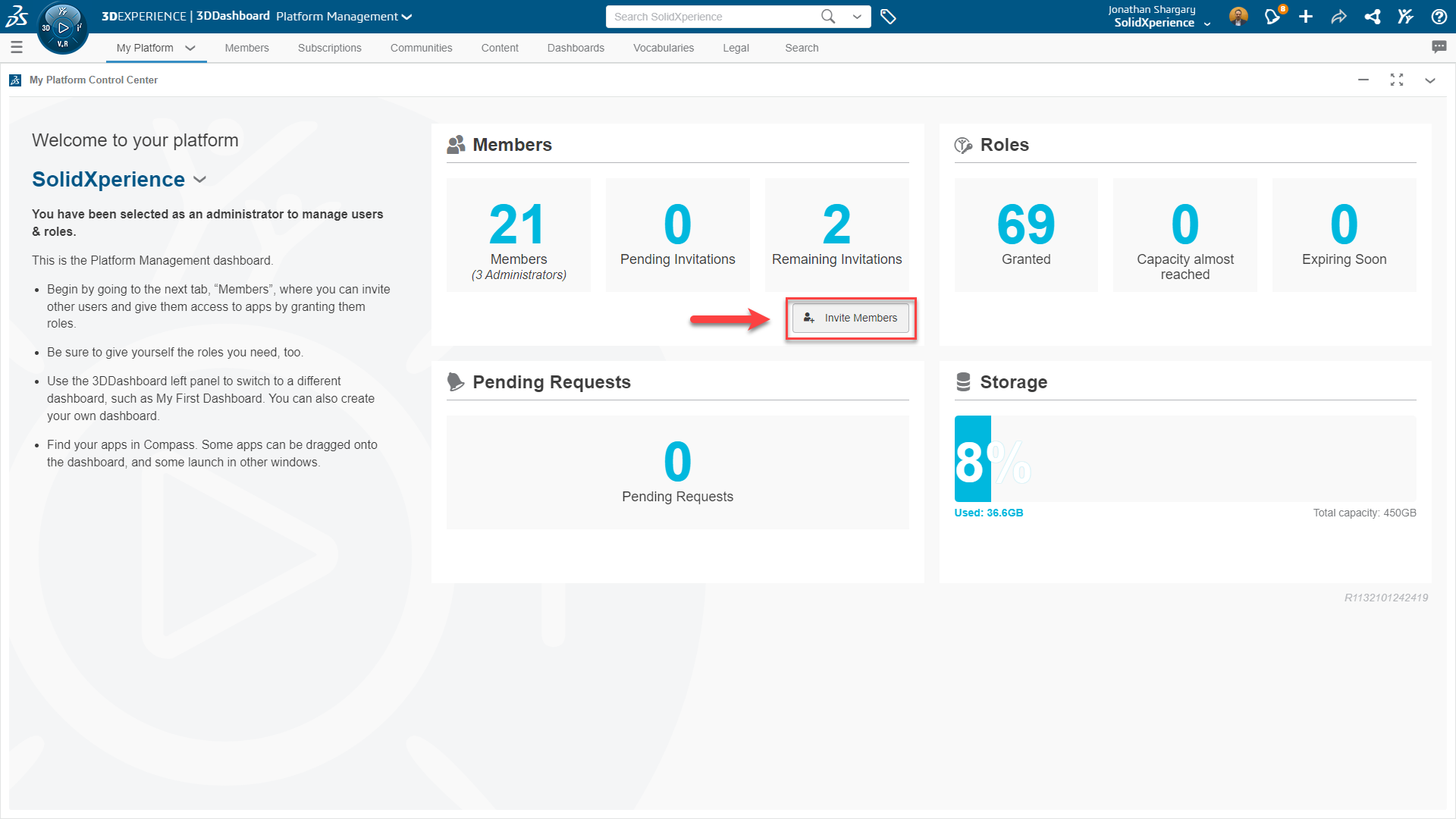
Access to the 3DEXPERIENCE platform
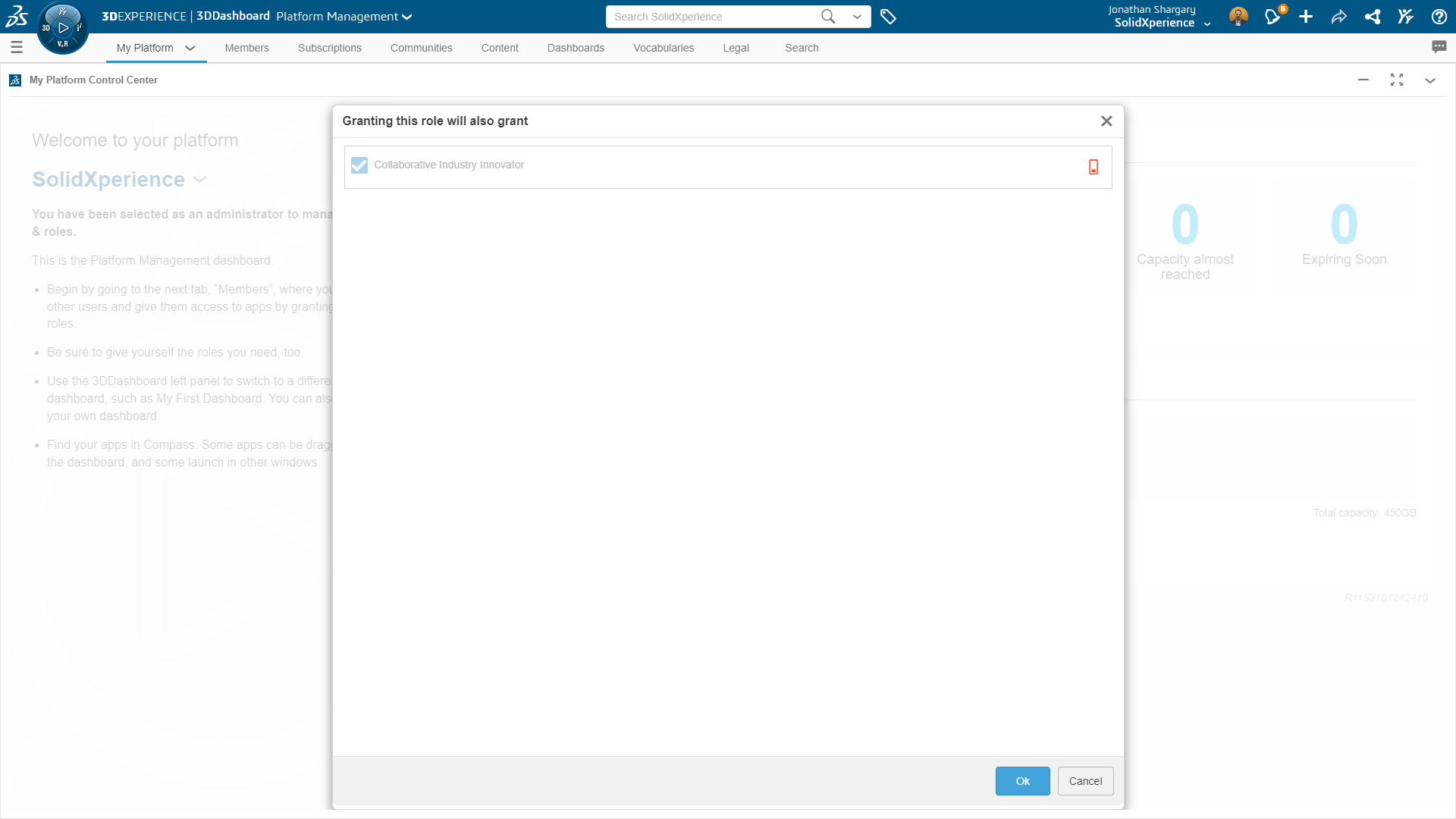
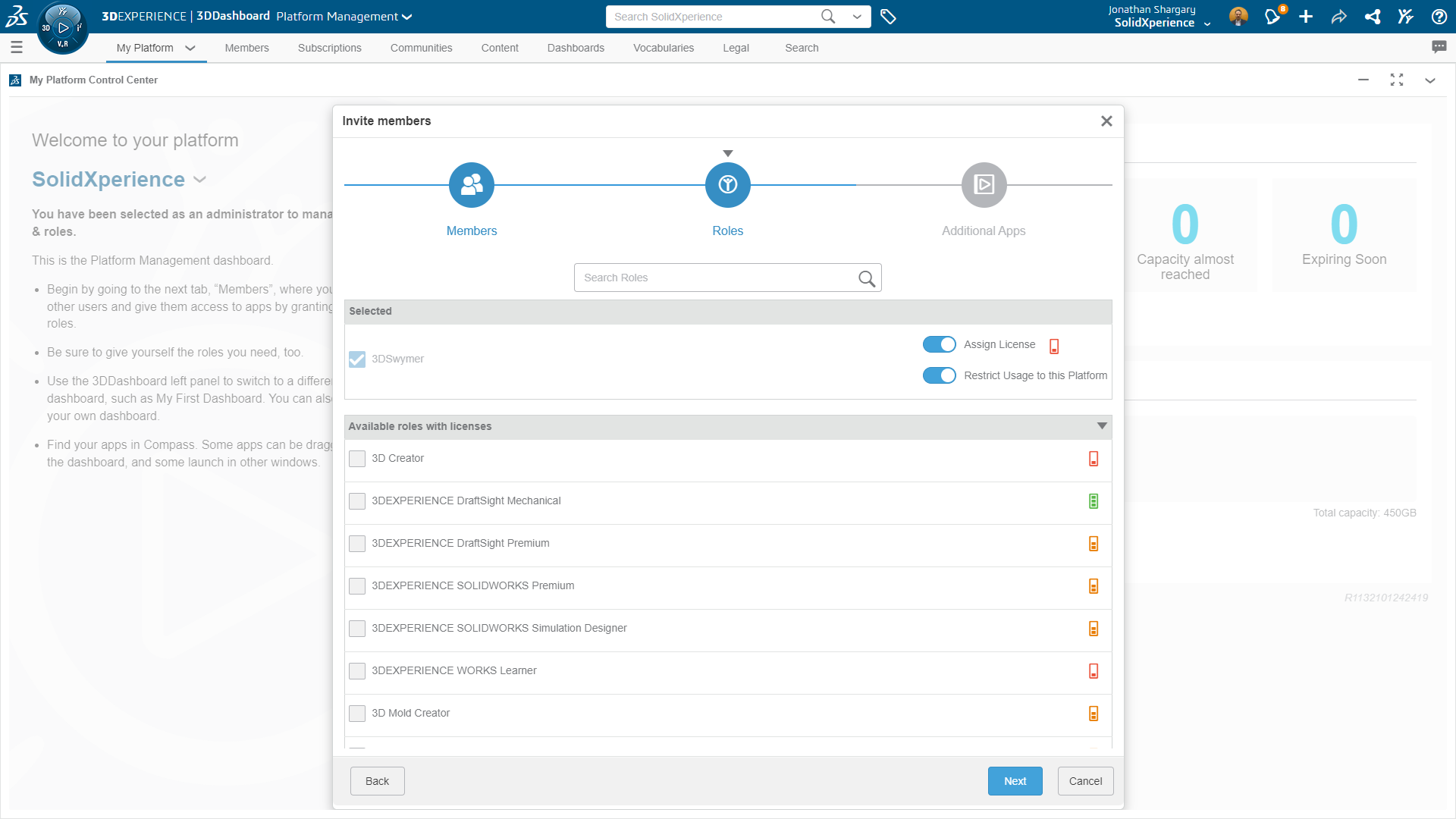
Proper roles (e.g., Collaborative Designer for SOLIDWORKS)
Active cloud connectivity
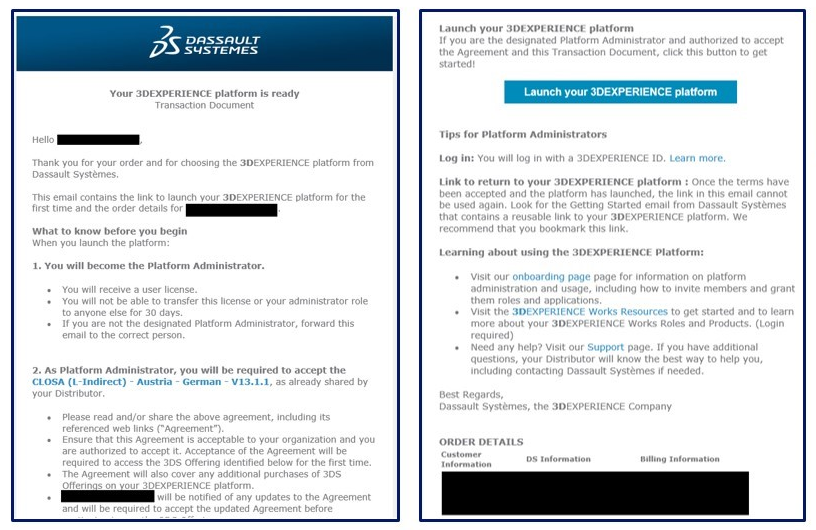
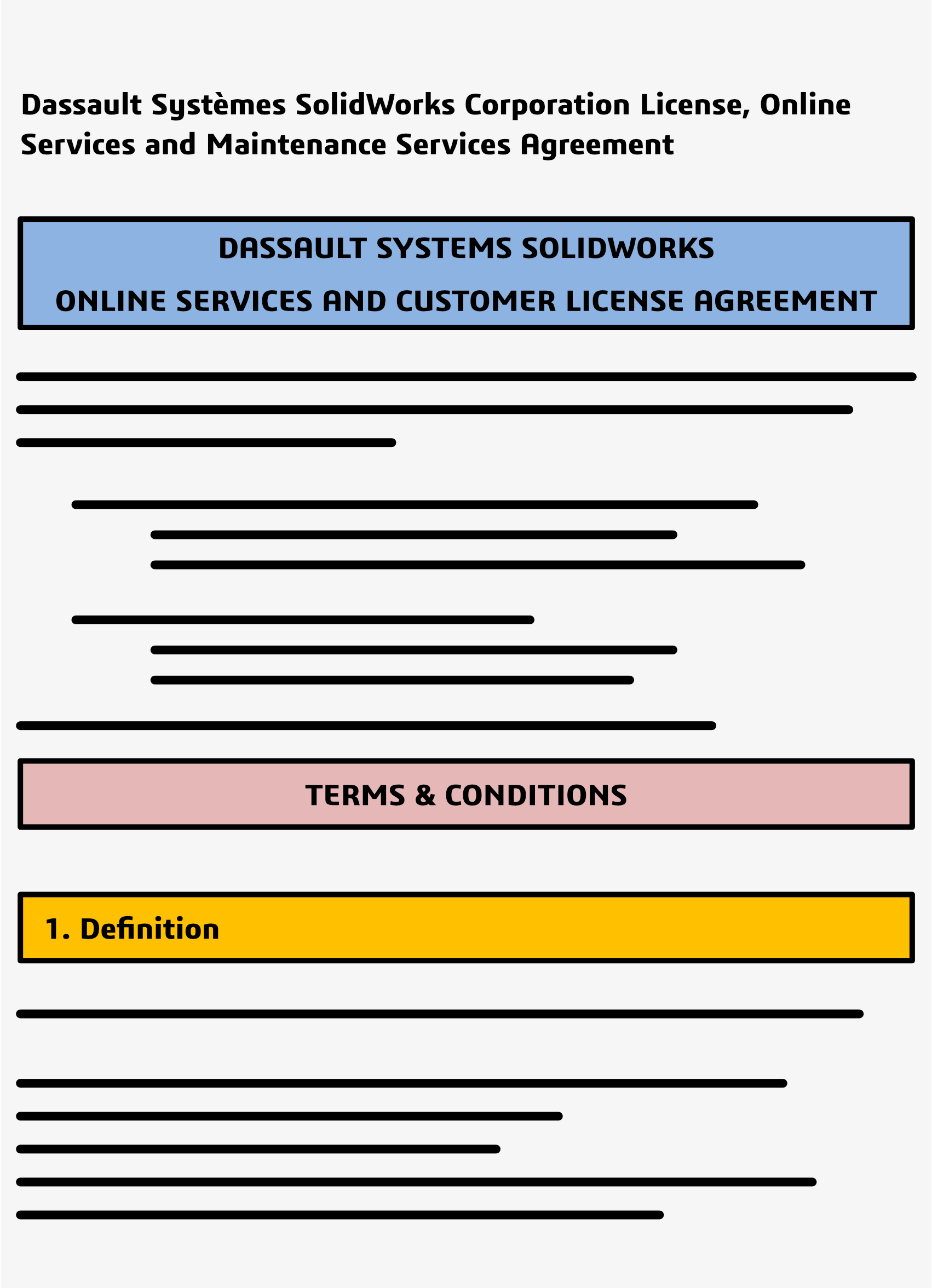
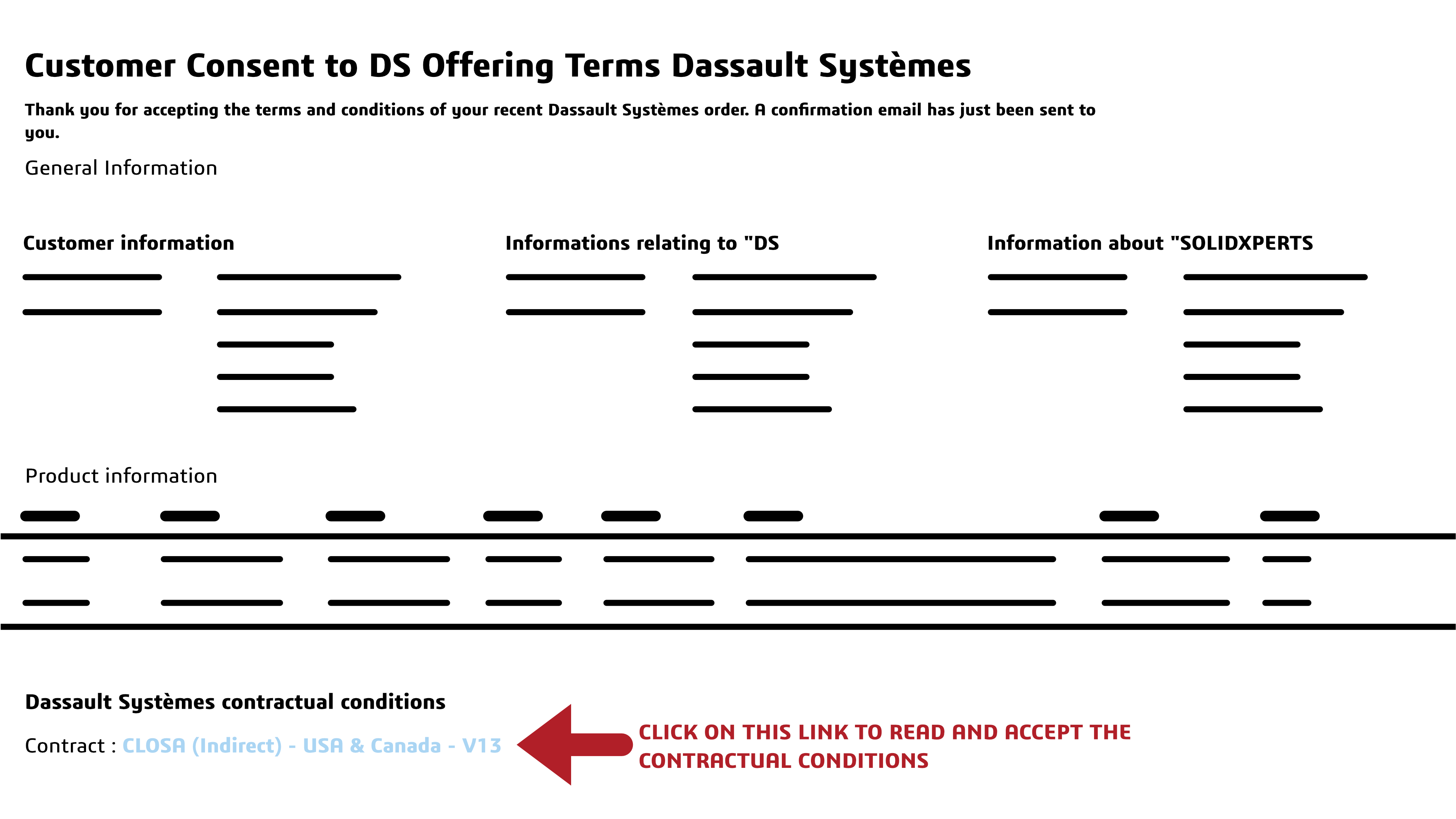
Need help? Follow our guide on how to get started with AI in SOLIDWORKS:
Guide: Getting Started with AI in SOLIDWORKSShould You Start Using AI in FD02?
Yes, but with a clear strategy.
Start with:
Assembly Performance Evaluator
Auto-Generate Drawings
Then explore:
BREP to Parametric CAD
Design Change Impact
Keep in mind:
Many features are Beta
Outputs should always be validated
AI is an assistant, not a decision-maker
AI Is Becoming Embedded
FD02 marks an important shift as we move from standalone AI features to integrated, workflow-aware intelligence. But the biggest change is not necessarily what AI can do. It’s how naturally it fits into the way engineers already work every day.