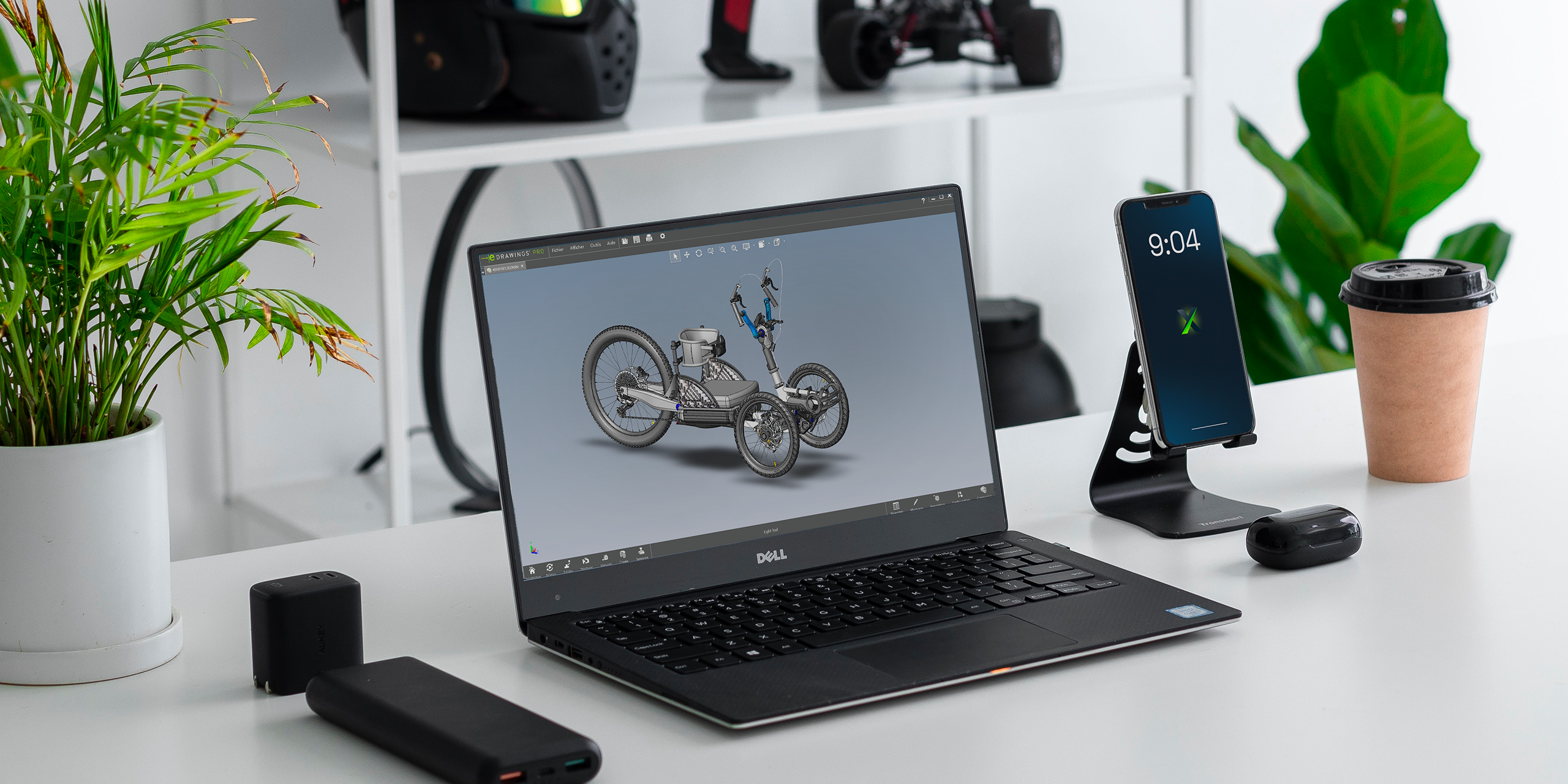
As a result, this is a question we are regularly asked: “Why are part names not the same in eDrawings as in the SOLIDWORKS assembly?”
So, if you use eDrawings as a viewer for shop floor personnel, this article is for you. Let’s take a few minutes to understand why this happens and more importantly, how to fix it in a sustainable way.
The Typical Context: eDrawings as a Workshop Support Tool
In many manufacturing companies, eDrawings is used to:
-
View assemblies without a SOLIDWORKS license;
-
Visualize complete machines on the shop floor;
-
Quickly identify parts to manufacture or assemble;
-
Reduce paper drawings.
It is an excellent tool as long as the displayed information is clear and consistent.
However, in some cases, workshop users are faced with:
-
Cryptic file names;
-
Internal references that are not meaningful;
-
Part names different from those used by engineering.
A Key Point to Understand: eDrawings Does Not Interpret, It Displays
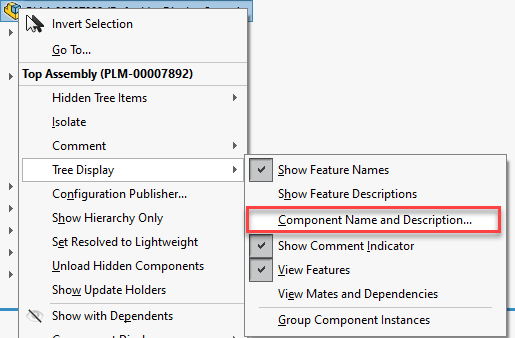
First of all, it is important thing to clarify: eDrawings does not “guess” anything. It simply displays the information coming from SOLIDWORKS, based on the assembly structure, the properties defined on each part, and the export options used. Therefore, if the display does not meet your expectations, it is almost never an eDrawings bug, but rather a source data or configuration issue.
The Three Most Common Causes
In practice, three main causes explain this behavior:
1. The displayed name is the file name, not the business designation
By default, eDrawings often displays the part file name (.SLDPRT) instead of:
-
The business designation;
-
The part number;
-
The workshop-oriented description.
Example: PLT_4587_V3.SLDPRT instead of Conveyor support plate – 10 mm steel
For the shop floor, the added value is… very limited.
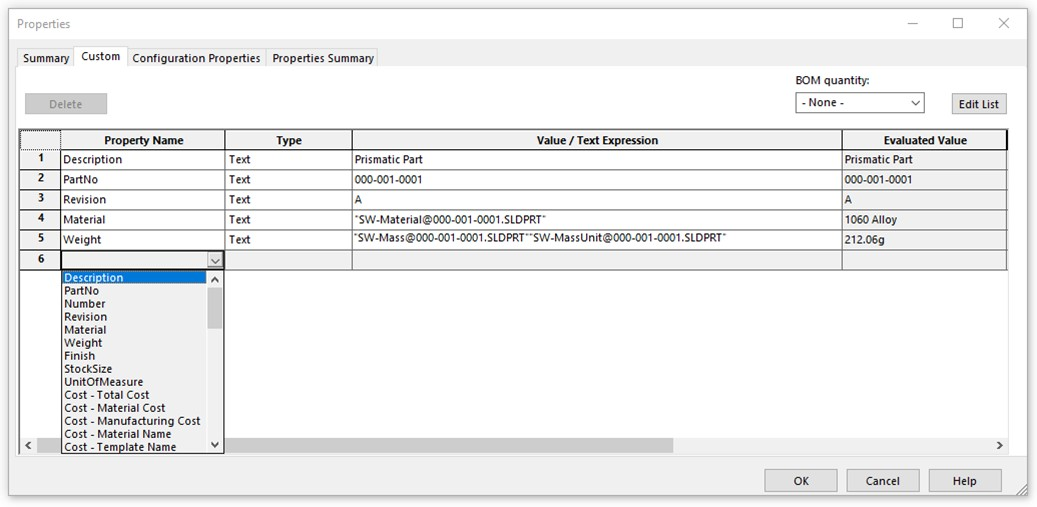
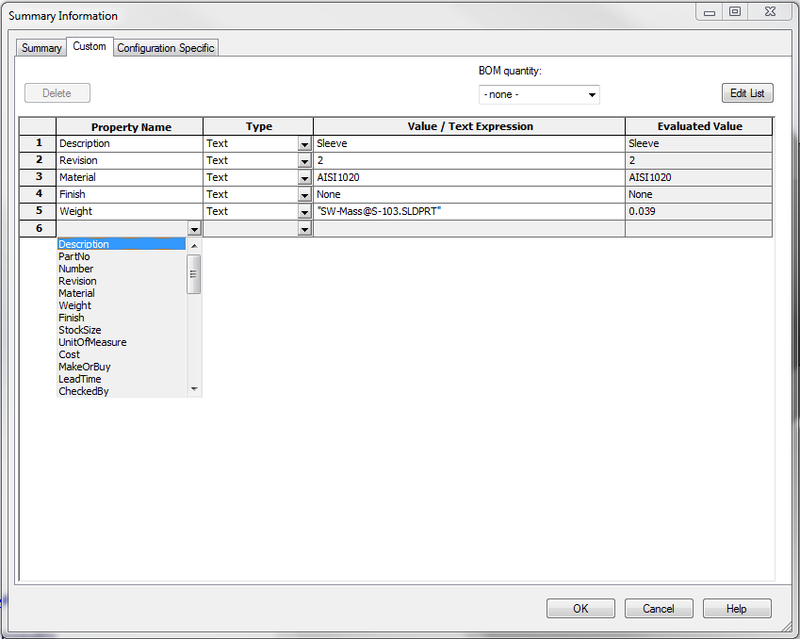
2. Custom properties are not being leveraged
Additionally, in SOLIDWORKS, you most likely already have:
-
Description
-
Part Number
-
Internal reference
-
Customer name
But if these properties are not filled in consistently or eDrawings is not configured to display them, they become useless for the workshop.
3. The eDrawings export process is not standardized
Finally, an export performed quickly, by different users and without a clear procedure often results in:
-
inconsistent displays;
-
different habits from one project to another.
As a result, the workshop gradually loses confidence in the tool.
Recommended Best Practice: Think “Workshop” Directly in SOLIDWORKS
In reality, the solution is not in eDrawings…it starts in SOLIDWORKS.
Here is a simple and effective approach:
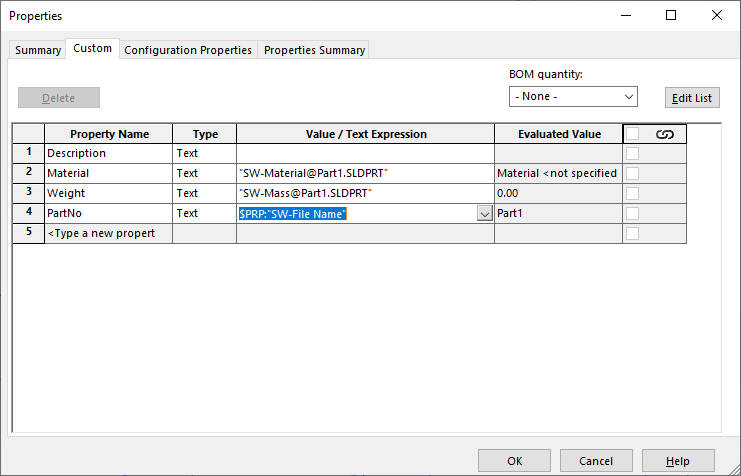
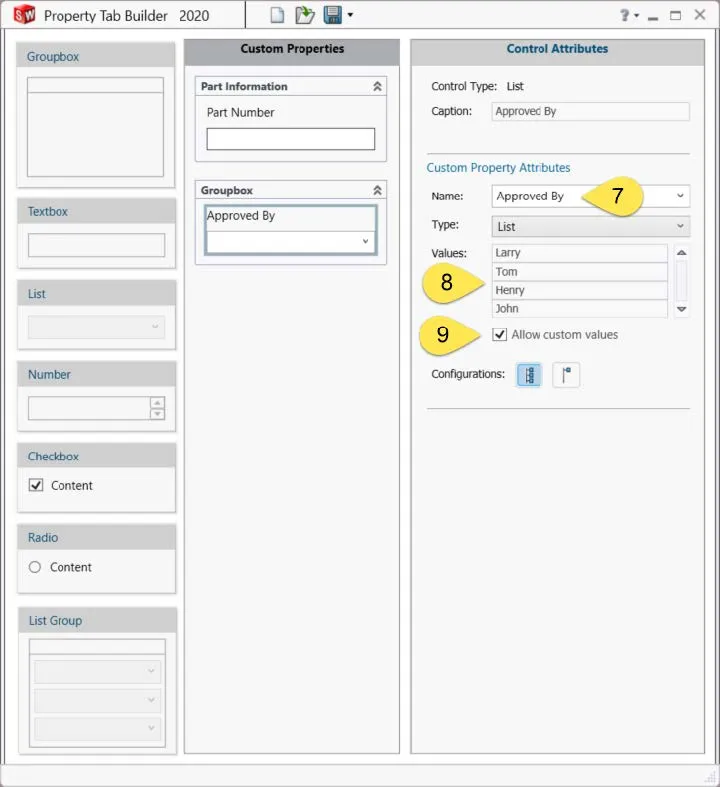
Use a workshop-oriented property
For example:
-
Description
-
or Workshop_Description
This property should be clear, readable and free of unnecessary CAD jargon.
Standardize how properties are filled in
Apply the same logic to all parts:
-
same property name
-
same text convention
-
same language
Ultimately, this is a small effort on the engineering side…but delivers significant gains on the production side.
Structuring the eDrawings Export for the Workshop
To ensure consistency, the eDrawings export should:
-
always come from an up-to-date assembly;
-
follow a simple, documented procedure;
-
display useful information, not technical noise.
This is exactly why a short internal procedure is often an excellent idea.
eDrawings: An Excellent Tool, When Properly Prepared
eDrawings is neither a design tool nor a PDM system. It is a technical communication tool.
In other words, like any communication, quality depends on what is sent, not only on the tool itself.
As a result, when best practices are in place the workshop gains autonomy, the unnecessary questions decrease, and the interpretation errors are reduced.
From Confusion to Clarity: Making eDrawings Work for the Workshop
If part names displayed in eDrawings do not match what you expect, know that you are not alone, it is not inevitable, and it is almost never a bug. More often than not, it is an opportunity to review how information is prepared and transferred to the workshop.
Very often…a few simple adjustments are enough to turn eDrawings into a true production support tool.